
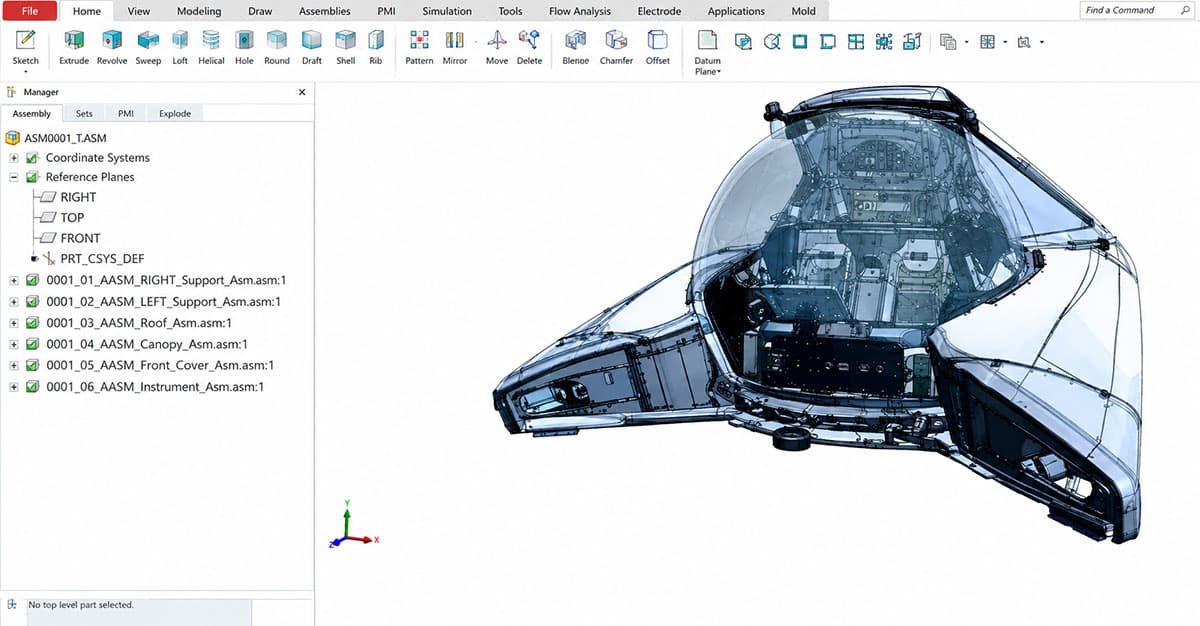
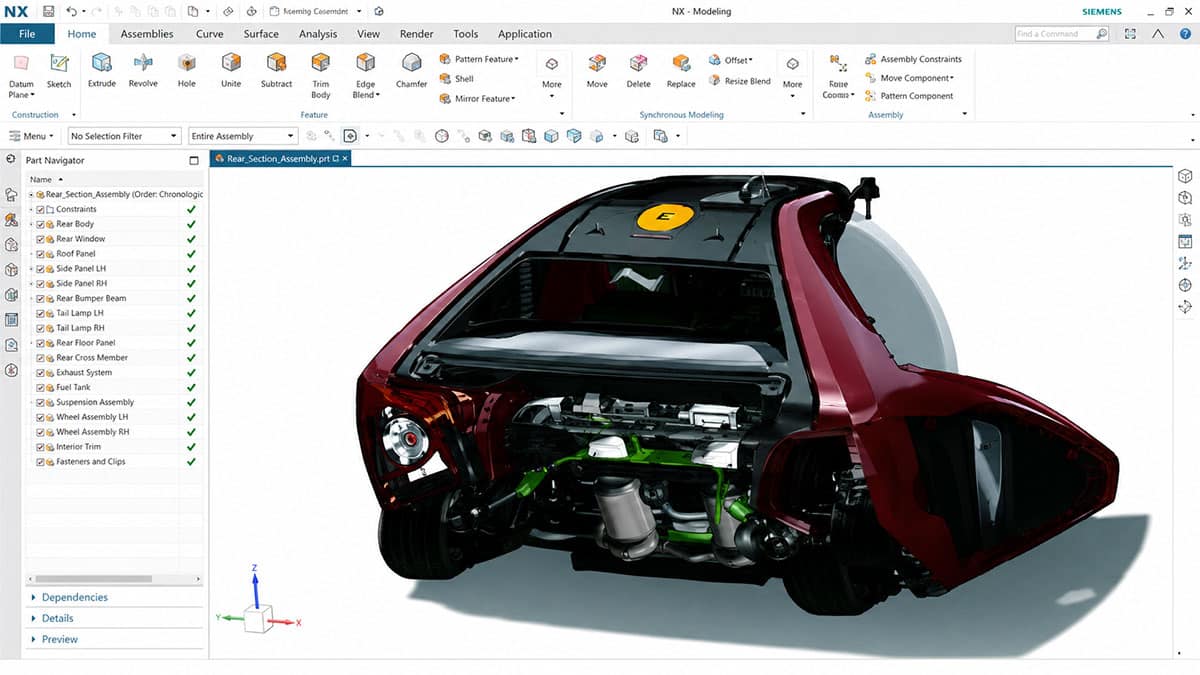
Maximize your capabilities for large assemblies and complex product designs.
Quickly completes the entire process, from initial idea conception to professional drawing production.
Always maintains the latest features and optimal performance through constant updates.
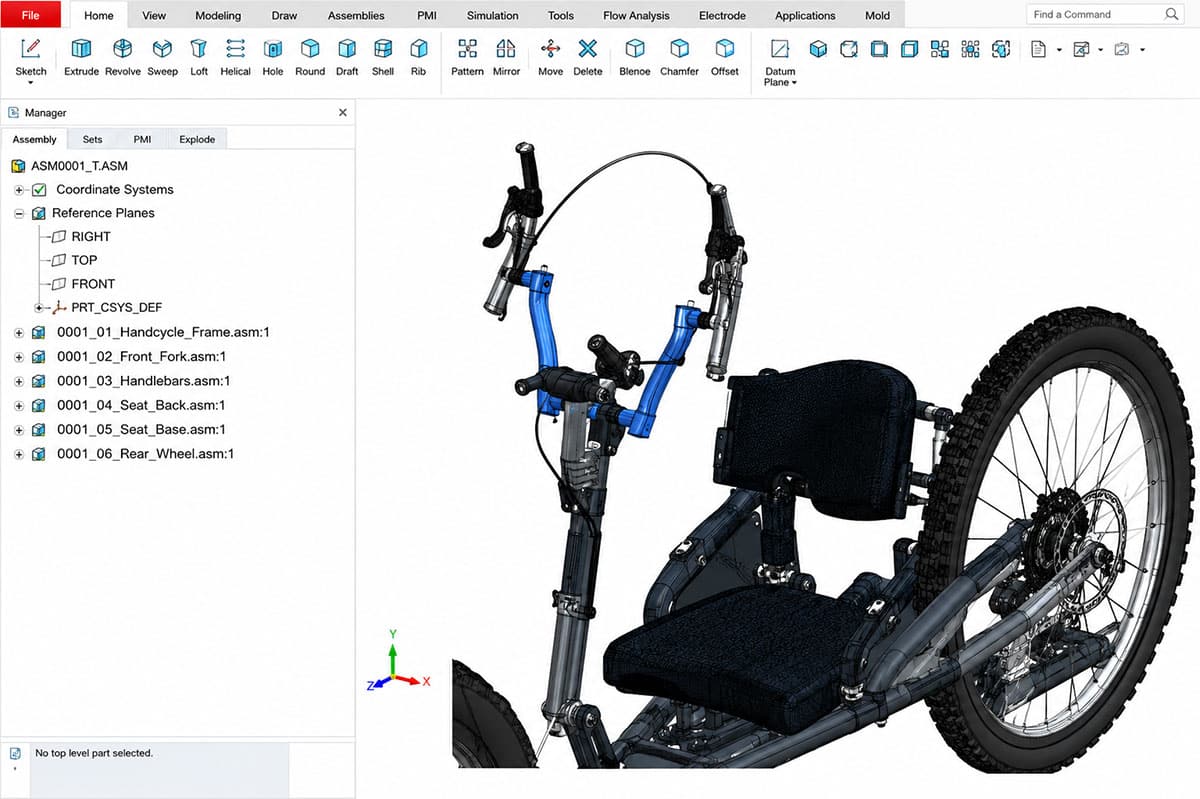
Provides specialized functions covering all industrial sectors, including welding, wiring, molds, and sheet metal.
Eliminate repetitive tasks instantly with intelligent libraries (Toolbox) that automate standard component placement.
Delivers an optimized design environment shaped by decades of real-world user feedback.
| SOLIDWORKS Design Standard | SOLIDWORKS Design Professional | SOLIDWORKS Design Premium |
| 2D Drawings, Part and Assembly Modeling | + SOLIDWORKS Design Standard | + SOLIDWORKS Design Premium |
| Surface/Sheet metal/Mold/Weldment structure design | ECAD-MCAD Collaboration (CircuitWorks) | Time-Based Motion Analysis |
| Design Reuse and Automation | CAD Standards and Drawings Checking (Design Checker) | Linear Static Analysis for Parts and Assemblies |
| Interference/Collision Detection | Automated Tolerance Stackup Analysis (TolAnalyst) | Piping and Tubing |
| Design and Manufacturability Checks | Reverse Engineering (ScanTo3D) | Electrical and harness wiring connections |
| Part-by-part analysis (Xpress) | SOLIDWORKS File Management (PDM Standard) | Advanced Surface Flattening |
| Advanced CAD File Import/Export | Intelligent CAD Libraries of Industry-Standard Fasteners | Rectangular and Other Cross-Section Routing |
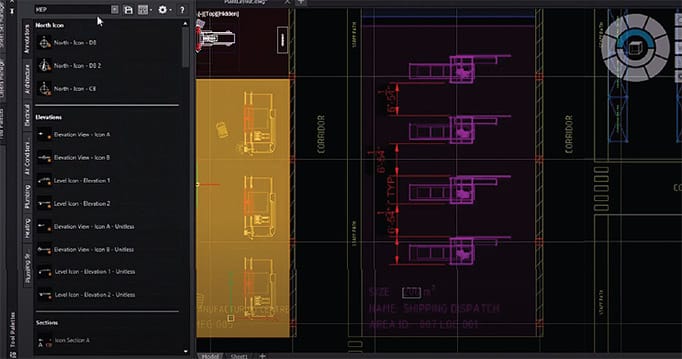
DraftSight offers a familiar CAD interface with standard commands, so you can transition instantly with no additional learning curve. Thanks to high compatibility, you can continue using existing drawings and Dynamic Blocks data without interruption.
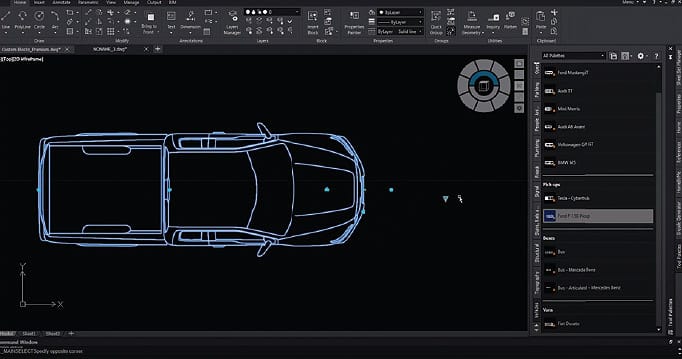
DraftSight integrates seamlessly with SOLIDWORKS and provides high compatibility with native file formats. Work remotely via cloud connectivity, and streamline your design process through the 3DEXPERIENCE platform.
Open, view, and print DWG files to simplify CAD workflows. Keep projects on track and meet deadlines efficiently.
Designed to work with existing systems without complex data migration. Enjoy a smooth integration experience from day one.
User-friendly interface with minimal onboarding. Get started on projects right away — no special training required.
| Professional | Premium | Enterprise | Enterprise Plus | |
| User | Individuals, students, hobbyists, architects, and designers | Individuals, designers, manufacturers, 3D users | Large-scale organizations and multiple architects | Large-scale organizations and multiple designers |
| Composition | Basic features for 2D drawing design + productivity tool API | Includes Professional features + 3D features | Professional Features + Network License | Professional Features + Network License |
| Features | Drawing comparison, path patterns, split dimensions, text curves | 2D Constraints | 2D Drawing Creation | +Enterprise |
| G-code Generator | 3D Tools | All Professional features, including the API | 2D Constraint Settings |
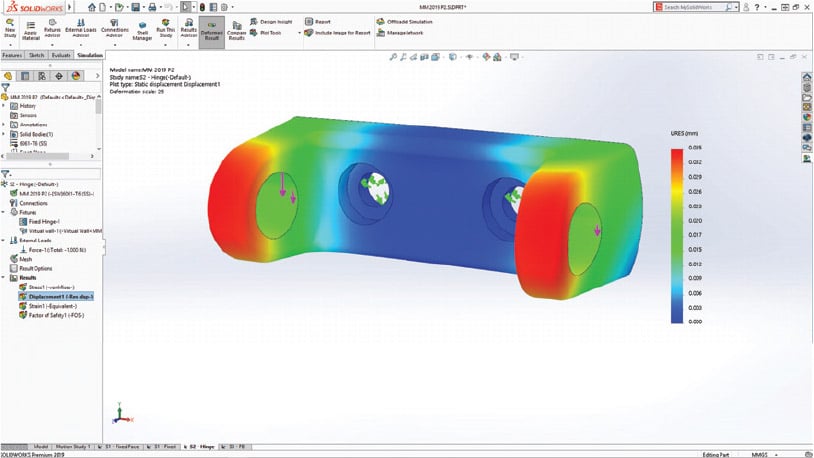
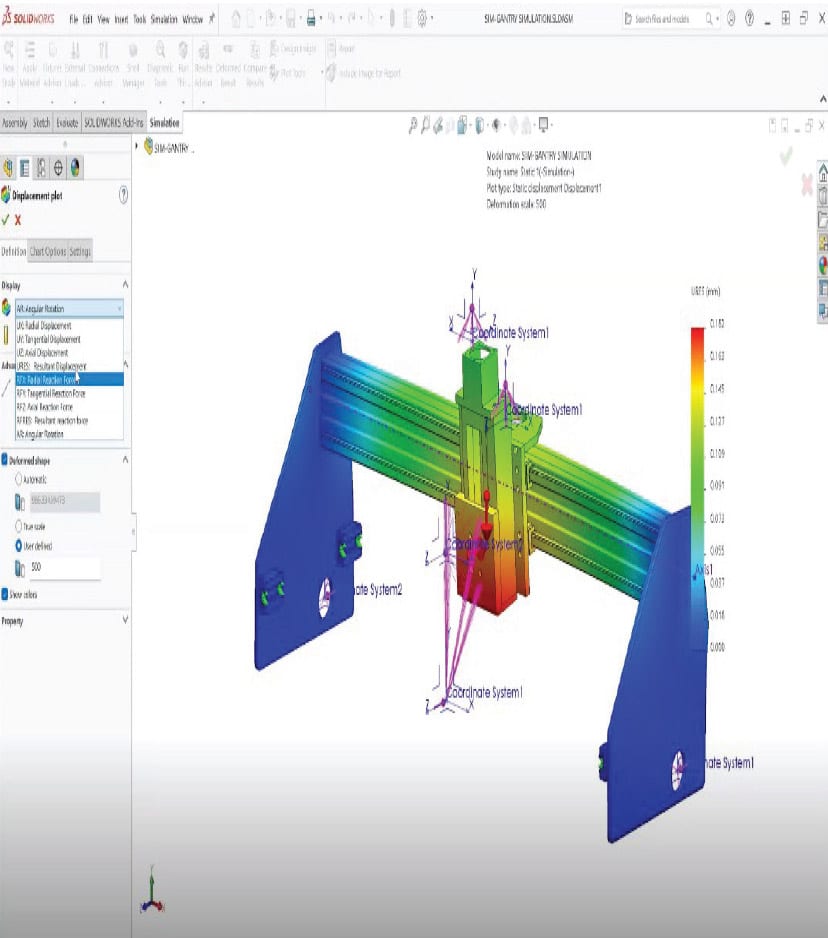
SOLIDWORKS Simulation Standard provides the fundamental analysis tools required to verify design performance.
Includes all Standard features while enabling engineers to evaluate a wider range of real-world operating conditions and optimize product performance.
Includes all Professional capabilities, allowing engineers to analyze products under the most demanding operating conditions.
| SOLIDWORKS Simulation Standard | SOLIDWORKS Simulation Professional | SOLIDWORKS Simulation Premium |
| Linear Static Analysis | Shape & Topology Optimization | Nonlinear Static Analysis |
| Time-Based Motion Analysis | Natural Frequency Analysis | Nonlinear Dynamic Analysis |
| Fatigue Analysis | Thermal Analysis | Harmonic Response Analysis |
| Design Study | Drop Test Analysis | Response Spectrum Analysis |
| Trend Tracker | Pressure Vessel Design | Composite Analysis |
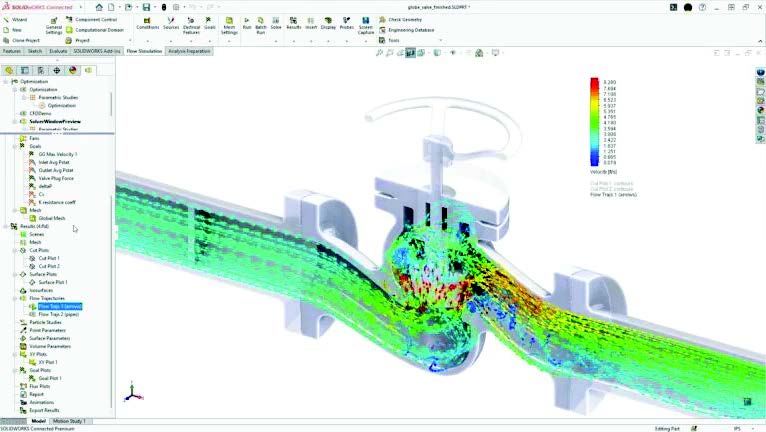
A comprehensive solution for general-purpose fluid flow and thermal analysis.
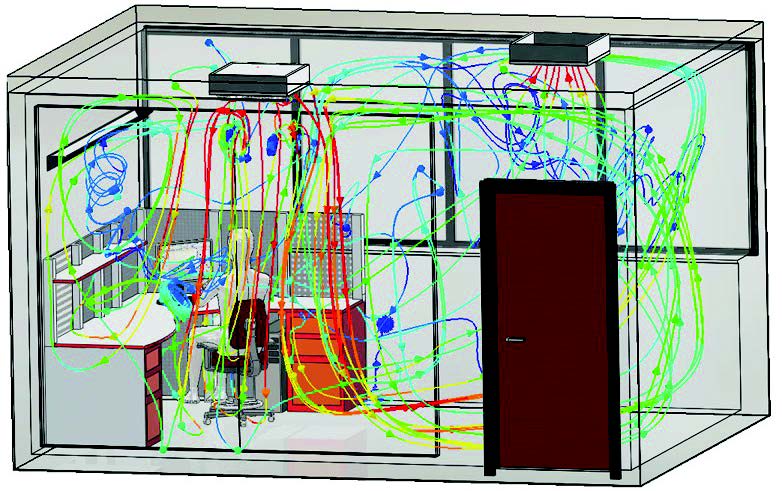
Designed to optimize indoor comfort and energy-efficient HVAC system design.
Prevents electronic component overheating and improves product reliability through advanced thermal analysis.
| SOLIDWORKS Flow Simulation | Flow Simulation +HVAC | Flow Simulation Electric Cooling 모듈 |
| Internal & External Flow (Steady-State & Transient) | Heat Pipes | Trace Studies |
| Laminar, Transitional & Turbulent Flow | Heat Exchangers | Advanced Radiation Simulation |
| Newtonian & Non-Newtonian Fluids | PCB Generator | Thermal Comfort Parameters |
| Combined Heat Transfer (Conduction, Convection & Radiation) | Joule Heating | Predicted Mean Vote (PMV) |
| Noise Prediction & Free Surface Flow | Fan Performance Simulation | Predicted Percentage of Dissatisfied (PPD) |
| Particle Studies | Compact Heat Pipe Models | Contaminant Removal Effectiveness (CRE) |
| Parametric & Optimization Analysis | Thermal Joints | Local Air Quality Index (LAQI) |
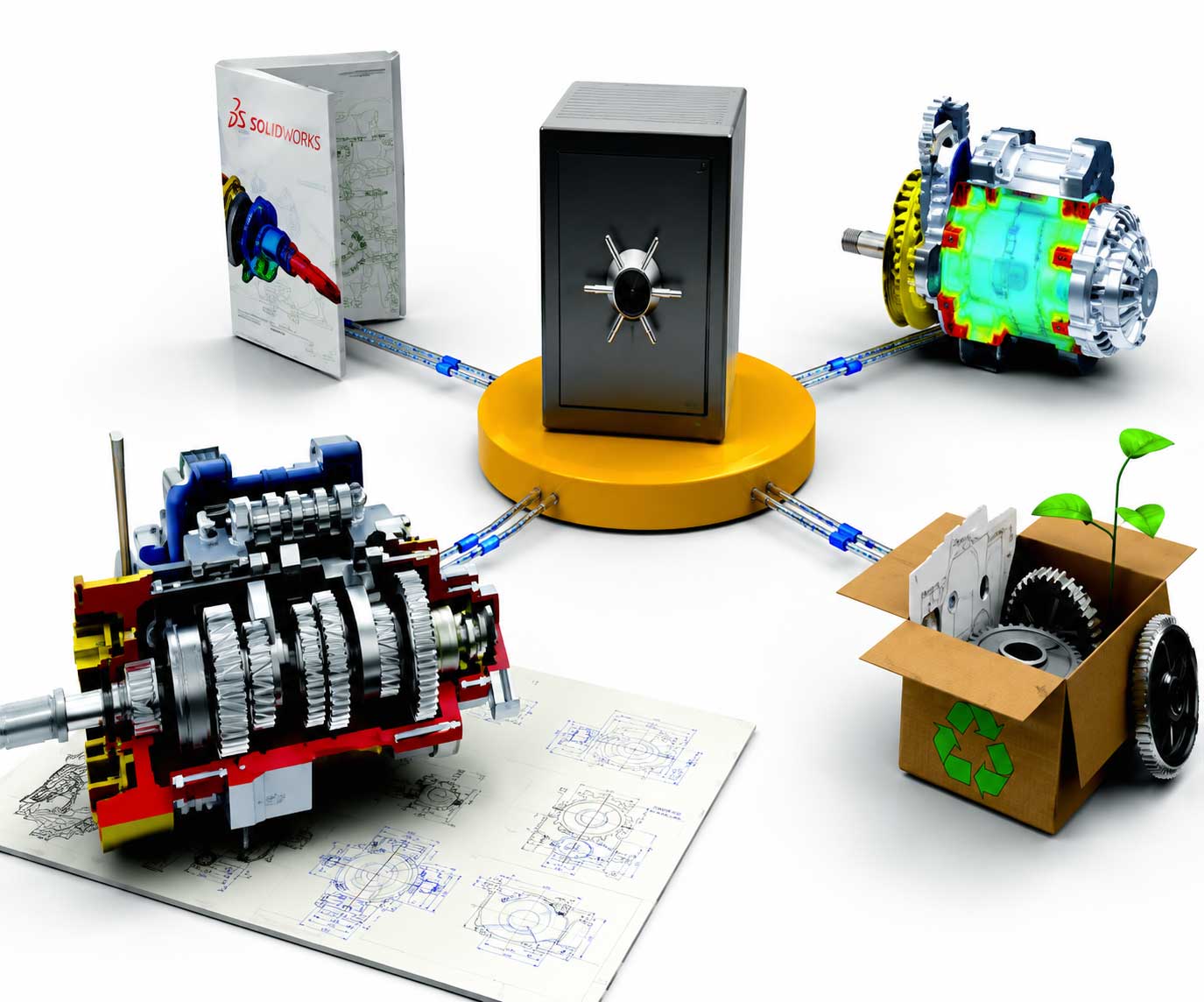
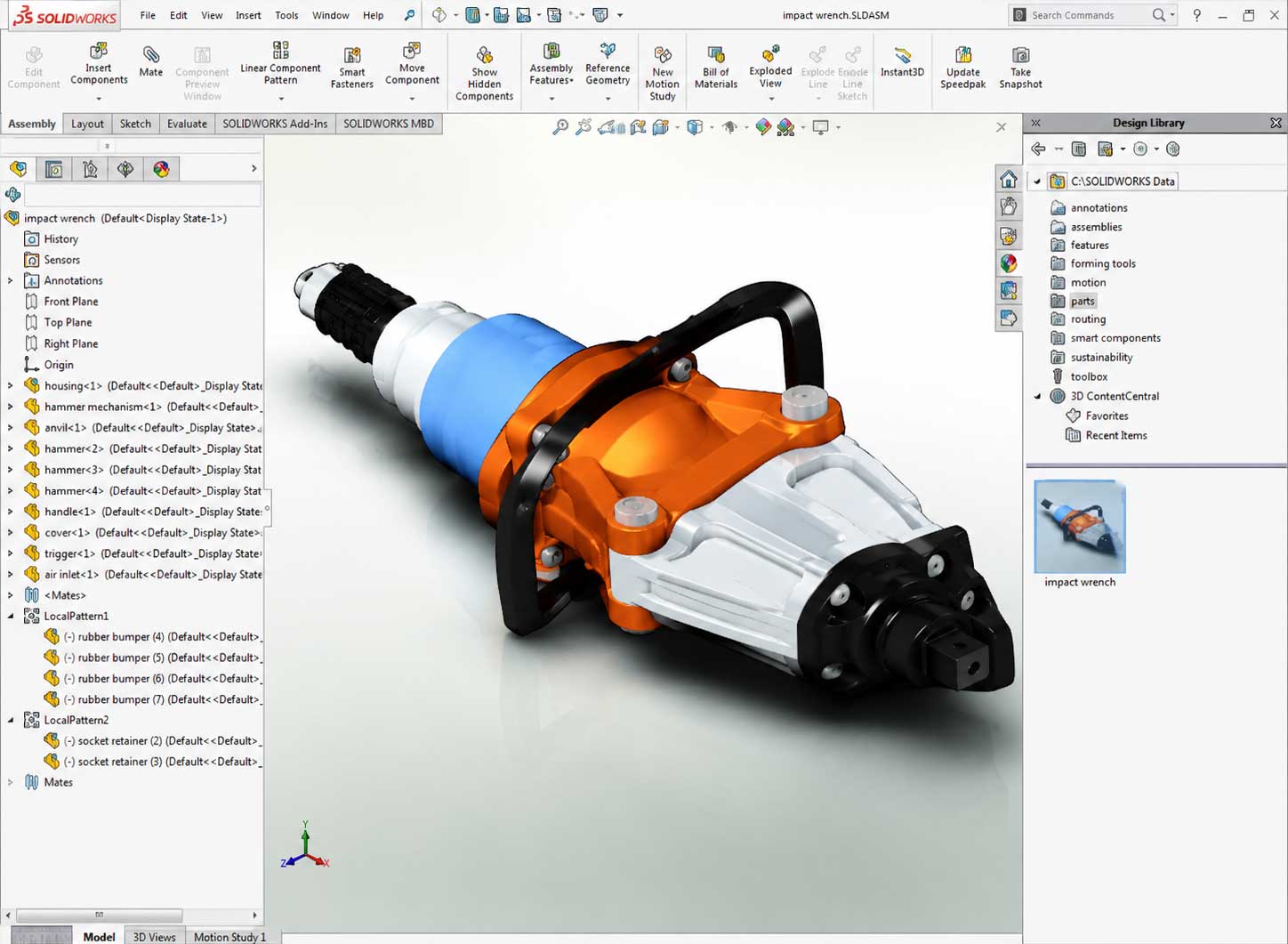
| SOLIDWORKS PDM Standard | SOLIDWORKS PDM Professional | SOLIDWORKS PDM Cloud |
| Secure Data Vault | +SOLIDWORKS PDM Standard | Cloud-based PDM Service |
| Automatic File Version & Revision Control | Multi-site Replication | No Dedicated Server Infrastructure Required |
| Standard Workflow Support | Advanced Workflow Automation | Hosted on the Dassault Systèmes Cloud |
| Search & Notification Functions | BOM Management & ECO/ECN Processing | Automatic Backup & Security Management |
| Full SOLIDWORKS Integration | Integration with Multiple CAD Systems | Global Remote Access |
| Supports Up to 5 Users | API & Customization Support | Rapid Deployment & Implementation |
| Single Vault Operation | Web Client (Web2) Support | Lower Total Cost of Ownership (TCO) |